
How to create a step-by-step product selection experience (with a PC Builder example)
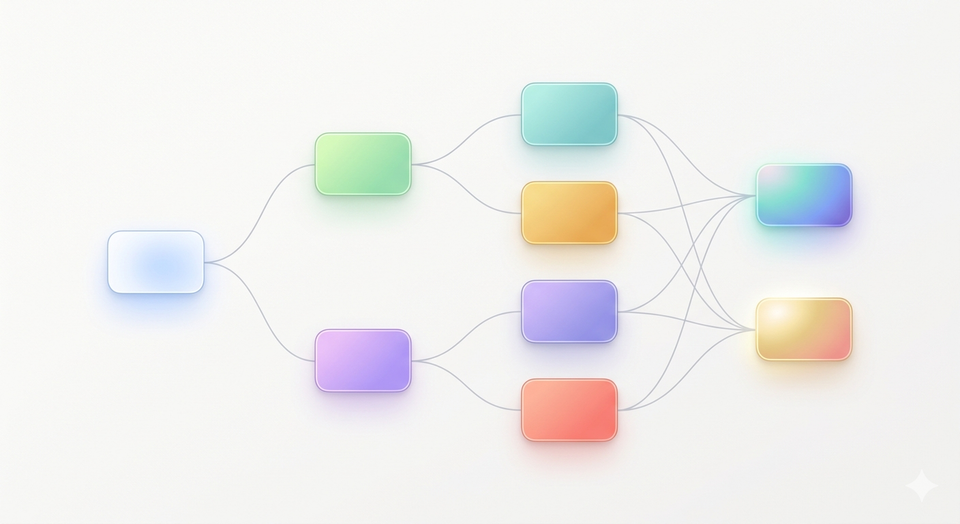
Most Shopify bundles follow a familiar pattern: mix-and-match selections, tiered discounts, or fixed bundles.
These approaches work well for simple use cases—snack packs, beauty kits, or “build a box” offers. But as your catalog grows, they start to break down.
The Limits of Traditional Bundling
When customers are faced with:
- Dozens (or hundreds) of SKUs
- Compatibility constraints
- Optional add-ons and upgrades
A flat selection page becomes overwhelming. Instead of increasing conversions, it introduces friction.
Customers hesitate. They second-guess their choices. In many cases, they abandon the process entirely.
The problem isn’t the bundle itself.
It’s the lack of structure in how choices are presented.
2. Introducing Guided Product Selection
A more effective approach is to structure the buying experience into clear, sequential steps.
Instead of asking customers to “pick anything,” you guide them through a defined path:
- First, choose a base
- Then, select compatible options
- Then, add upgrades
- Finally, review
This is what we refer to as a Guided Bundle—a step-by-step product selection experience. You define all steps along the path.
It shifts the interaction from:
“Here are all your options”
to
“Let’s build this together, step by step.”
This subtle shift has a significant impact on how customers engage with your products.
3. Example: A Structured Buying Experience
To make this concrete, consider a simplified PC builder flow.
Step 1: Choose a Base
Start with a general use case:
- Gaming PC
- Daily Office Work
This step anchors the entire experience. It sets expectations and narrows the path forward.
Step 2: Select Compatible Components
Once a base is selected, only relevant options are shown:
- Compatible CPUs
- Supported RAM configurations
- Matching SSD storage options
Customers are no longer browsing everything—they’re choosing within a curated subset.
Step 3: Add Optional Upgrades
Next, offer enhancements:
- Extended warranty
- RGB accessories
- Cooling upgrades
These are optional, clearly positioned as value-adds rather than required decisions.
Step 4: Review the Configuration
Finally, present a clean summary:
- Selected components
- Total price
- Key highlights
At this point, the customer isn’t assembling anymore—they’re confirming.
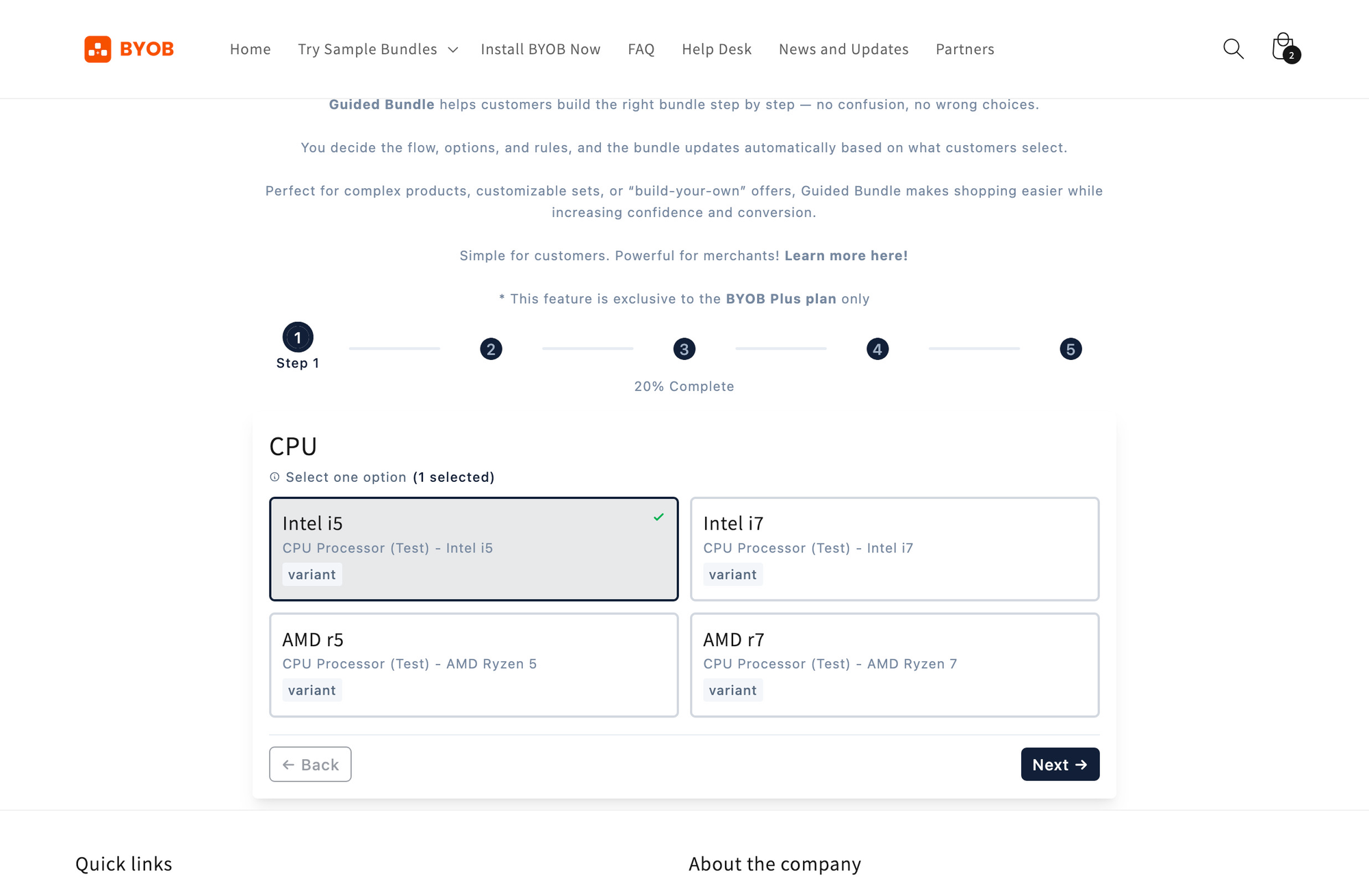
This flow is simple, but powerful.
It transforms a complex purchase into a guided process.
Want to experience this flow yourself?
-> Try the interactive demo here
4. From Choices to Decisions: The Power of Guidance
The key difference isn’t just UI—it’s how decisions are framed.
Reduce Decision Fatigue
By breaking the process into steps, customers only focus on one decision at a time.
This reduces cognitive load and increases completion rates.
Structure Complex Catalogs
Large product catalogs become manageable when:
- Options are grouped logically
- Irrelevant choices are hidden
- Dependencies are handled implicitly
Customers don’t need to understand your catalog structure—you translate it for them.
Show Only What Matters
Relevance is critical.
Instead of displaying everything:
- Show compatible options
- Surface meaningful upgrades
- Avoid unnecessary distractions
This creates a more intentional and confident buying experience.
5. One Pattern, Multiple Industries
While the PC builder is a clear example, the same pattern applies across many categories.

E-bike / Sport Equipment
- Choose a frame or a model
- Select size and configuration
- Add accessories (helmets, batteries, upgrades)
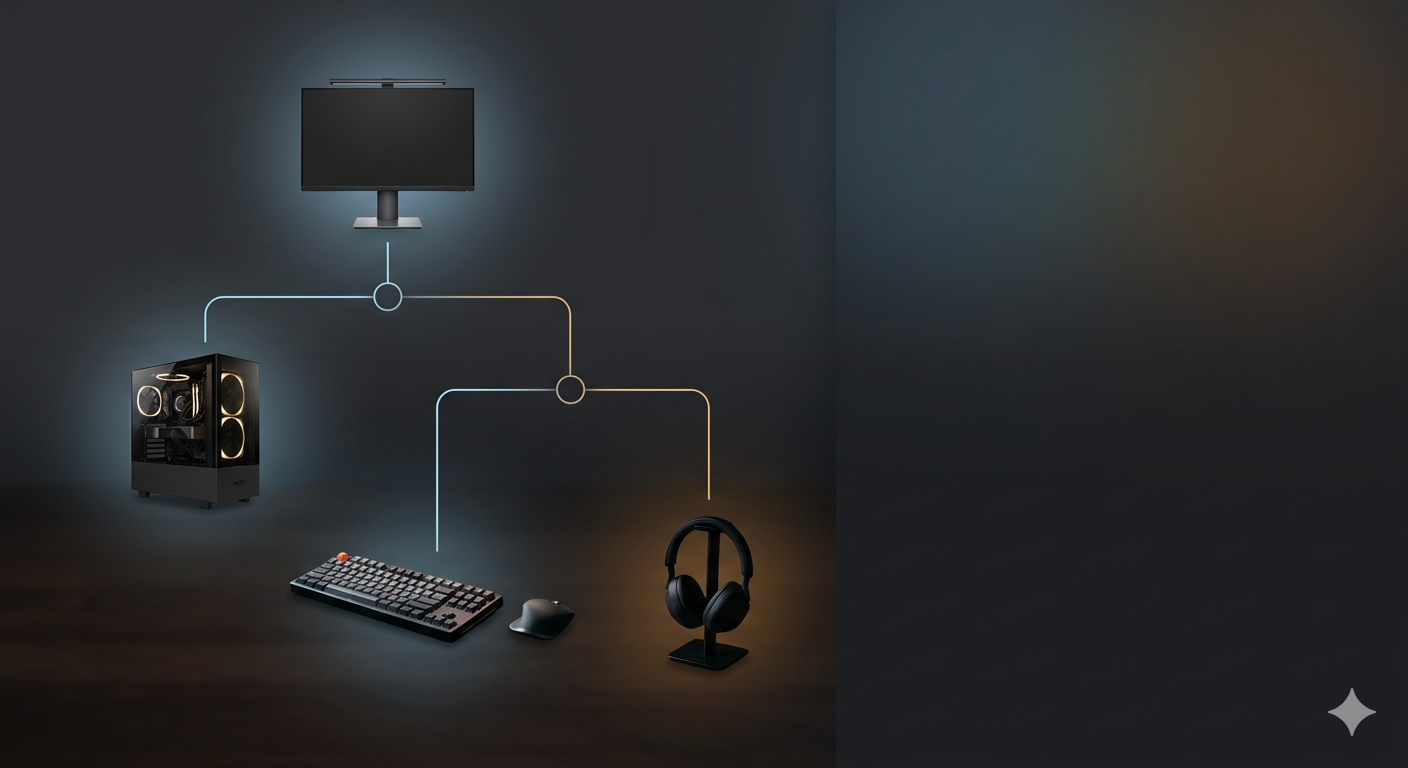
Premium Electronics
- Select base device
- Choose storage, color, or performance tier
- Add protection plans or add-ons
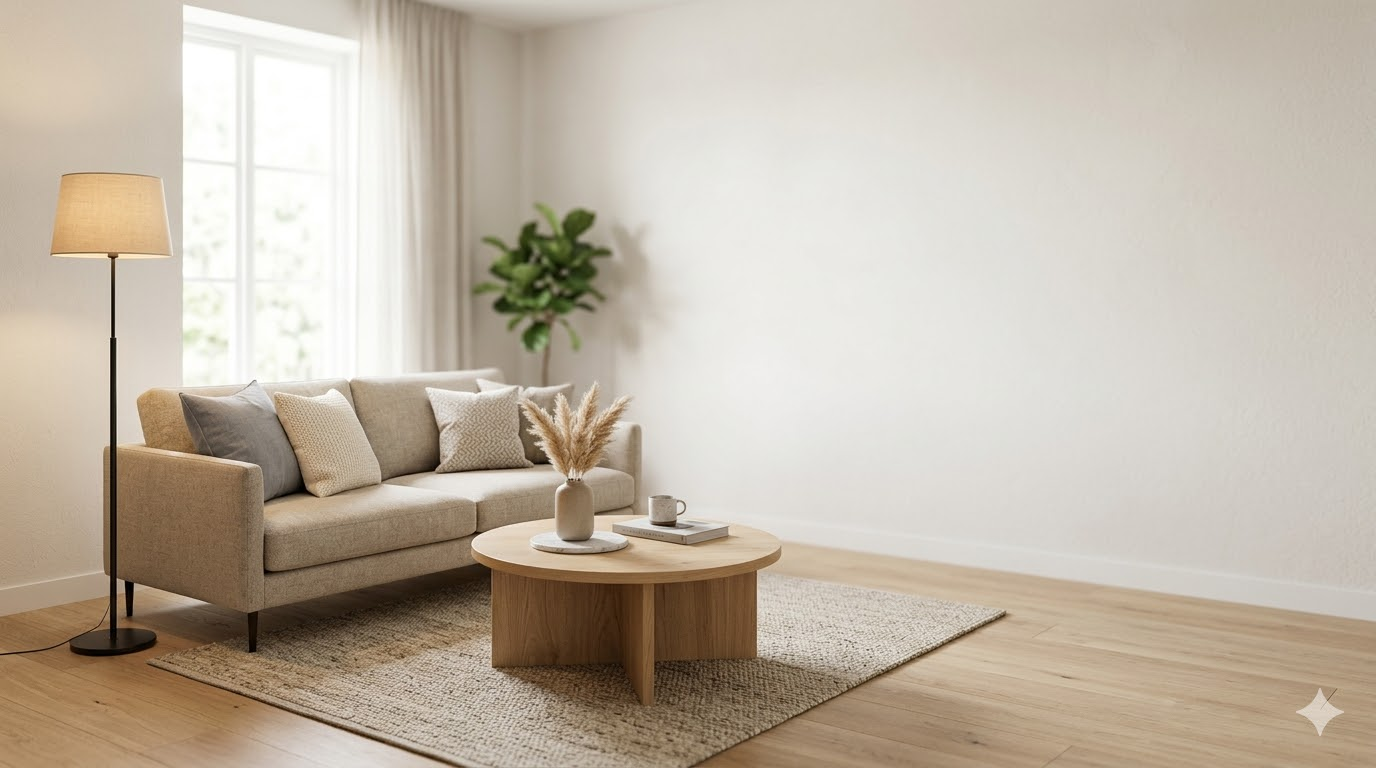
Home Furniture
- Choose base product (sofa, desk, bed)
- Select materials, size, or finish
- Add complementary items
In each case, the underlying structure is the same:
A guided path from initial choice to final configuration.
6. The Business Impact of Guided Bundles
This isn’t just a UX improvement—it directly affects performance.
Higher Conversion Rates
Customers are more likely to complete a structured flow than navigate an open-ended selection page.
Increased Average Order Value (AOV)
Well-placed upgrade steps naturally introduce higher-value options without feeling pushy.
Better Customer Experience
Customers feel guided, not overwhelmed.
This leads to:
- Fewer mistakes ✅
- More confidence in purchases ✅
- Lower support friction ✅
- Reduce returns due to wrong choices ✅
7. Who This Is Designed For
Guided product selection is particularly effective for:
Ideal Use Cases
- Stores with large catalogs
- Products with multiple configuration options
- Merchants focused on increasing AOV
- Mid-market brands with structured product lines
Less Suitable For
- Very small catalogs
- Simple “pick any items” bundles
- Stores without meaningful product variation
In these cases, our standard bundle builder is often more than sufficient — and simpler to implement.
8. Powered by BYOB Guided Bundles
BYOB’s Guided Bundles are designed to enable this exact experience.
Instead of treating bundles as a flat list of products, they allow you to:
- Define structured steps
- Control how choices flow from one step to the next
- Introduce upgrades in a natural, non-intrusive way
This makes it possible to bring configurator-style experiences — traditionally complex to build — into a practical Shopify workflow.
For merchants already using bundles, this represents a natural evolution:
from simple selection → to guided configuration.
9. Explore the Experience
If you’re managing a growing catalog and looking to improve how customers navigate complex choices, a guided approach is worth exploring.
You can:
- Review example bundle flows
- Test a step-by-step configuration experience
- Evaluate whether it fits your product structure
Or, if you’re ready to move beyond traditional bundling, consider enabling Guided Bundles as part of your next iteration.
The difference isn’t just in what customers buy —
But how confidently they arrive there.