
Introducing Guided Bundles: Turn Complex Bundles into Simple, Step-by-Step Experiences
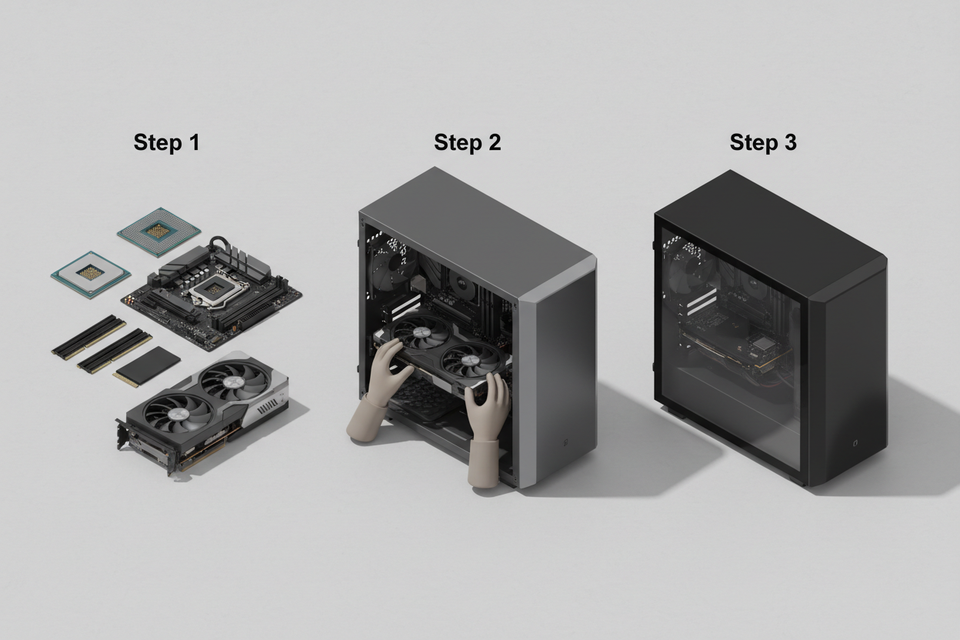
Many Shopify merchants sell products that can’t be bundled with a simple “pick any items” approach.
Customers often need guidance:
- What should I choose first?
- Which options work together?
- What comes next?
That’s exactly what Guided Bundles are built for.
Guided Bundles let you design a step-by-step bundle flow, guiding customers through each decision in the right order — just like a product configurator.
What is a Guided Bundle?
A Guided Bundle is a bundle that follows a defined sequence of steps.
Instead of showing everything at once, customers:
- Make one choice at a time
- See only relevant options
- Are guided automatically to the next step
- Avoid incompatible or confusing combinations
For merchants, this means:
- More control over the bundle flow
- Fewer invalid selections
- Better clarity for customers
- Higher confidence at checkout
All without Coding!
Why Guided Bundles Matter
Guided Bundles are designed for products that are not one-click simple.
They help when:
- Customers must choose components in a specific order
- Some options depend on earlier choices
- Too many choices cause hesitation or drop-off
- You want to guide, not overwhelm with a lot of choices
Think of Guided Bundles as turning your bundle into a guided buying experience rather than a product grid.
Top 3 Real-World Use Cases
1. DIY PC Builder 🖥️
This is the classic Guided Bundle use case.
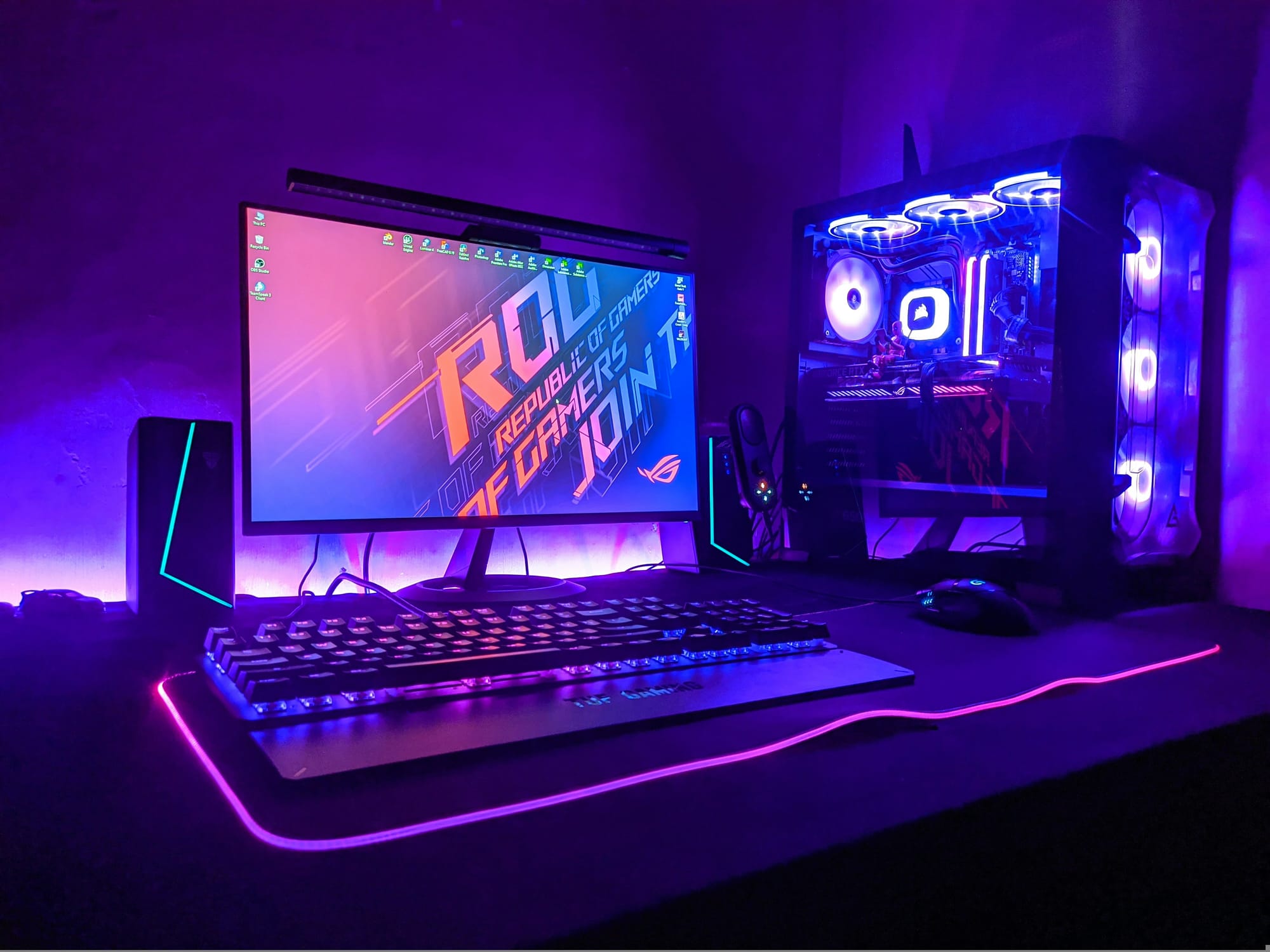
Example flow:
- Choose the general use case
- Choose CPU brand
- Select compatible components
- Add optional accessories
Why it works:
- Customers expect a guided flow
- Compatibility matters
- Decisions must happen in order
Even merchants outside the PC space instantly understand this model — it’s the gold standard example of a Guided Bundle.
2. Bike / E-Bike Builder 🚲🏍️
Another strong use case where choices depend on earlier selections.
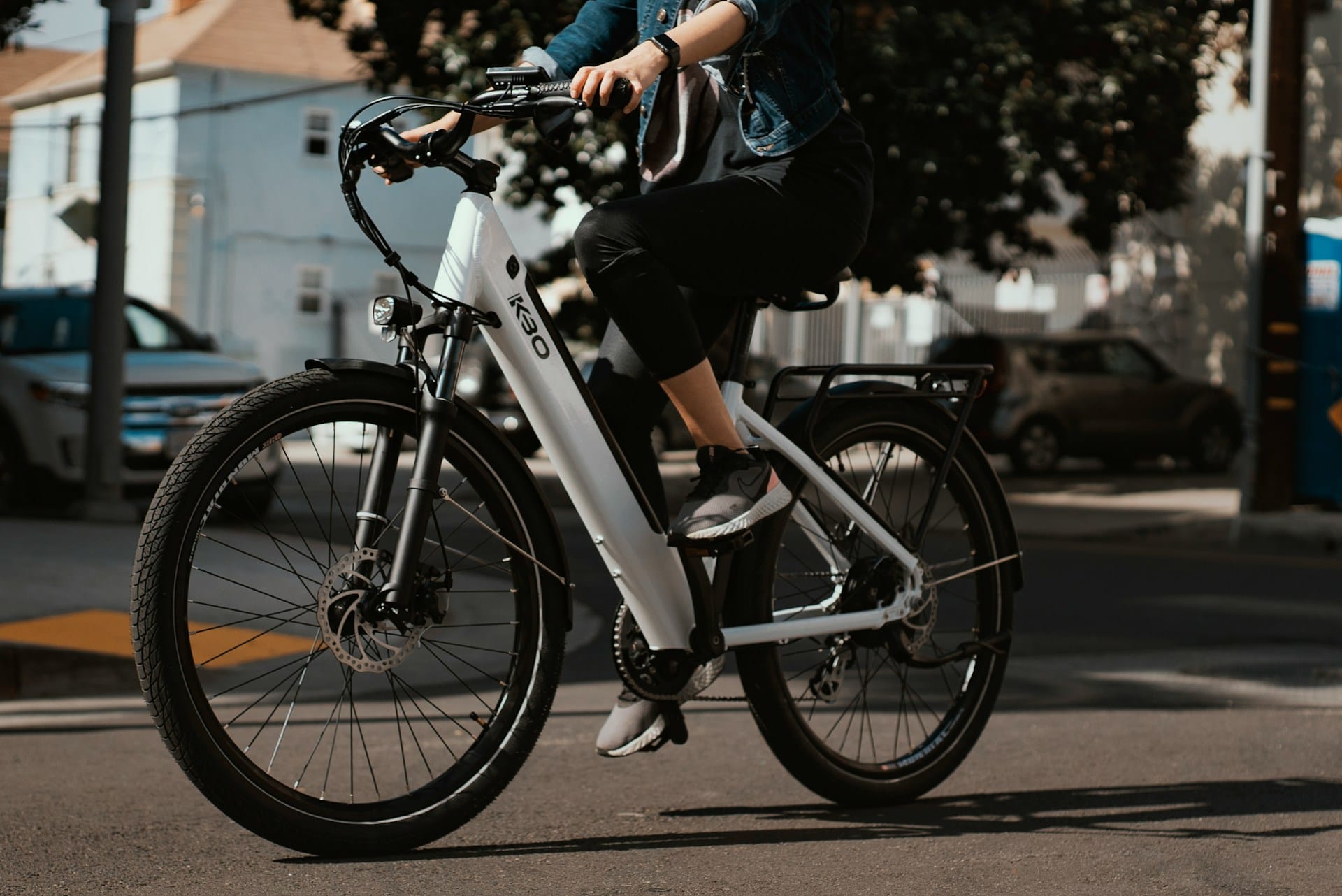
Example flow:
- Choose bike type
- Select frame size
- Pick motor or gear options
- Add accessories
Why it works:
- Options depend on size and type
- Customers often don’t know what fits
- Guidance reduces hesitation and mistakes
Guided Bundles help customers build a bike that actually makes sense.
3. Custom Kits & Starter Sets 🛠️⚙️
Perfect for merchants selling multi-item kits that still need structure.
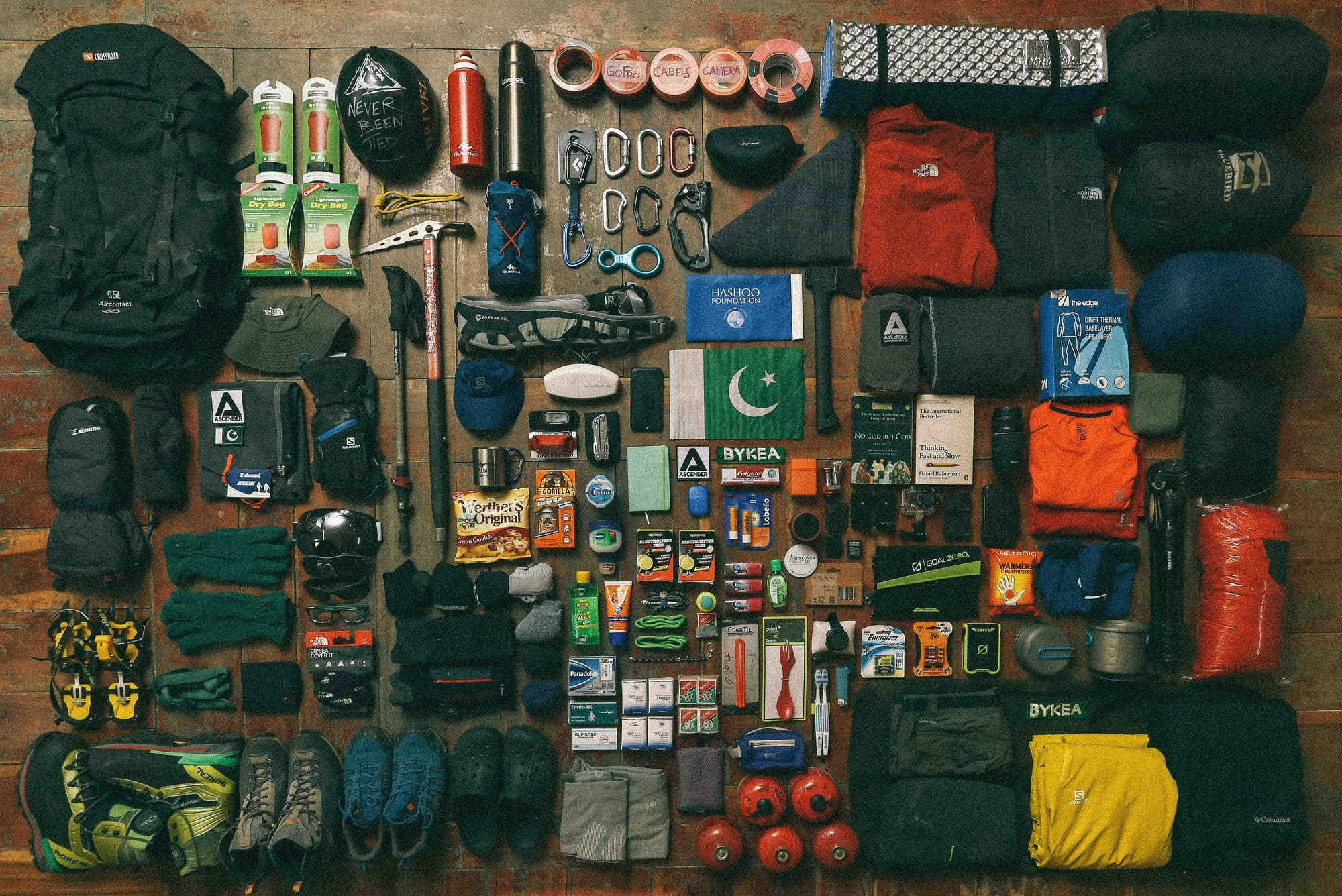
Examples:
- Camera kits
- Tool sets
- Skincare routines
- Fitness or home-use kits
Example flow:
- Choose the main product
- Select usage or preference
- Add recommended add-ons
Why it works:
- Prevents customers from skipping important items
- Keeps the experience focused
- Makes complex kits feel approachable
Sample Bundle: PC Builder (Demo)
To demonstrate Guided Bundles, we have created a PC Builder sample bundle in our demo store.
It shows how:
- Each step focuses on one decision
- Later options depend on earlier choices
- The flow feels natural and intuitive
While our demo uses a PC builder to illustrate the concept, Guided Bundles are designed for any product that requires structured choices — from bikes and kits to customizable sets and accessories.
Availability
Guided Bundles are available on the Plus plan and above.
Current Limitations (Version 1)
To keep Guided Bundles reliable and easy to use, the first version includes some intentional limits:
- Up to 6 steps per Guided Bundle
- Rules support single conditions only
- Rules apply within the same step only
- Up to 2 redirect rules per bundle
- No hard checkout blocking
- No quantity enforcement
- No analytics, versioning, or draft/publish workflow yet
These constraints help avoid edge cases while we continue improving the system.
We’d Love Your Feedback
Guided Bundles are built for real merchant use cases — and your feedback directly shapes what comes next.
If you’ve tried it (or are planning to):
- What type of product are you building?
- Where did the flow feel right?
- Where did it feel limiting?
👉 Reach out to us now!
Your input will help define the future of Guided Bundles.