New Feature: Track Bundle Views and Orders in One Place
We’ve just added a new way to help you understand how your bundles are performing.
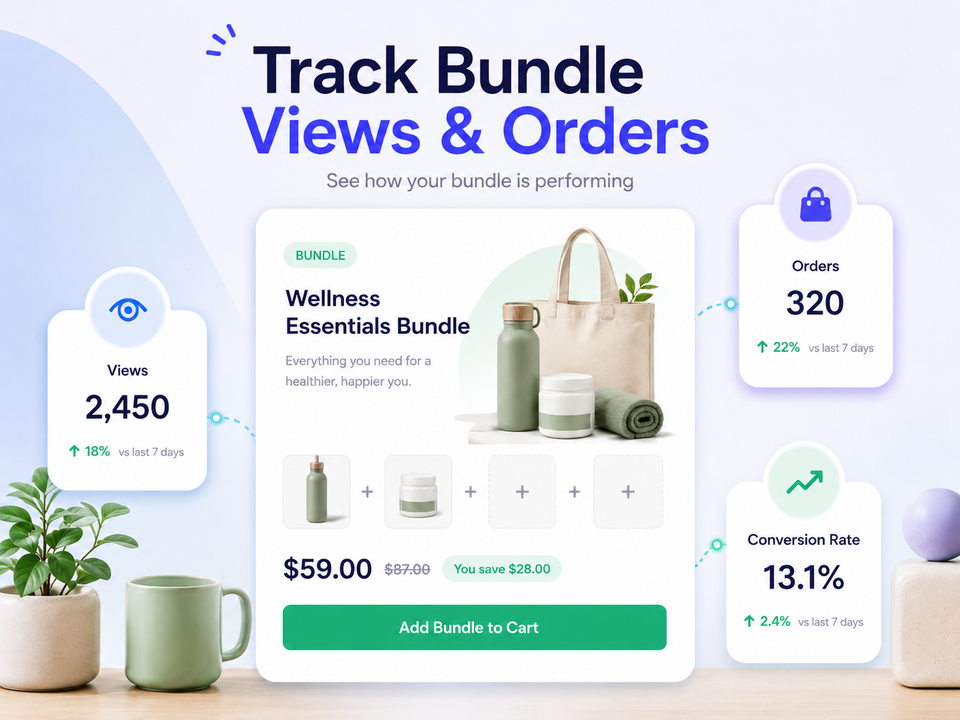
You can now see bundle page views alongside bundle orders directly inside the bundle editor.
Why this matters
One of the biggest questions merchants face is:
“Are customers seeing my bundle?”
Now you can get a clearer answer.
With bundle page view tracking, you’ll be able to tell whether:
- Your bundle is getting traffic but not converting
- Your bundle needs more promotion
- Your bundle is starting to gain attention over time
This helps you make better decisions about promoting and improving your bundles.
Where to find it
Open any bundle and go to:
Edit Bundle → Promote Bundle
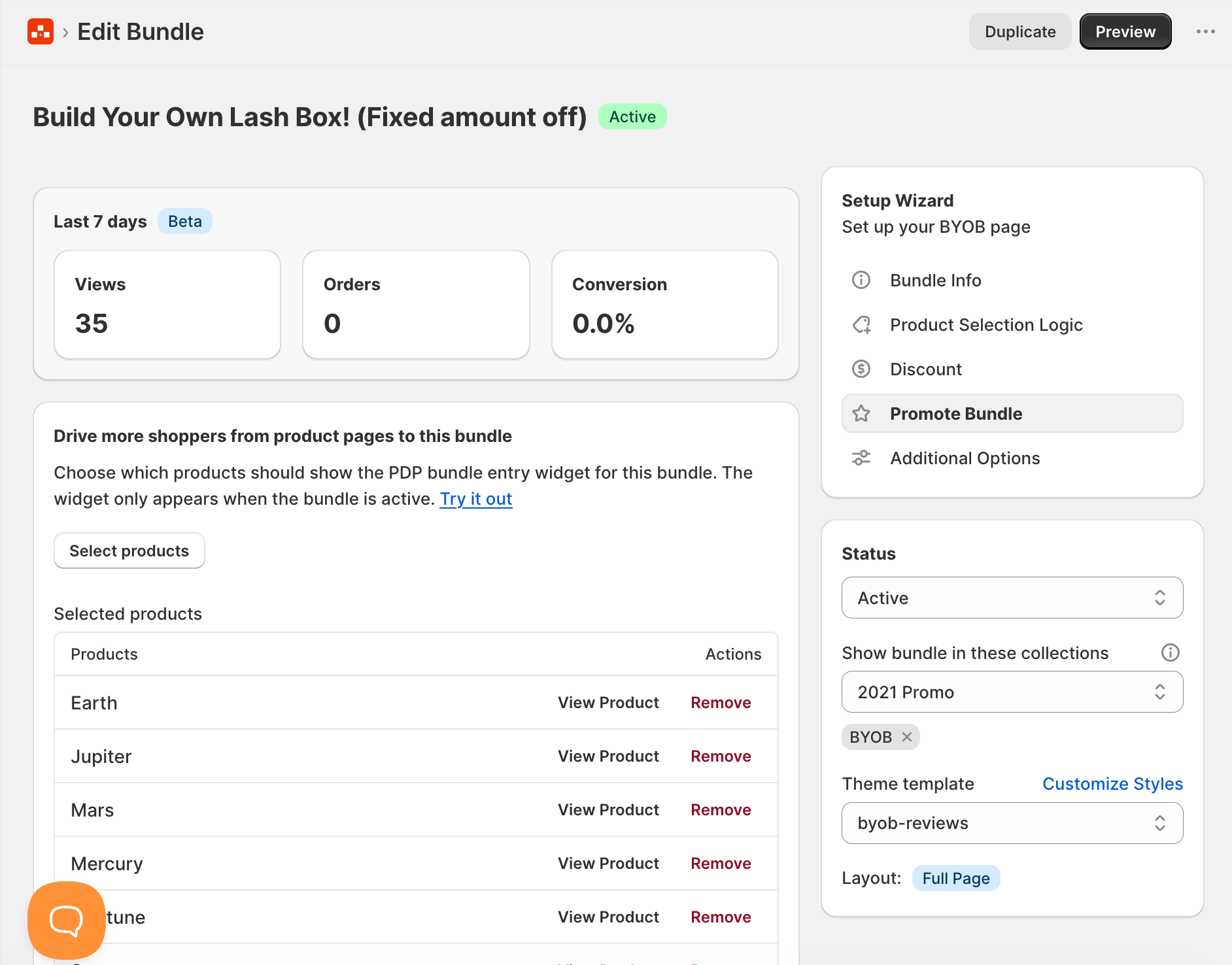
You’ll now see bundle performance stats for that bundle, including views and orders.
This section only appears when editing a supported bundle.
Available on all plans
This feature is available on all BYOB plans.
Currently, bundle view tracking is supported for:
- Full page bundles
Other bundle types are not supported yet.
A simple way to measure bundle performance
Many merchants already share their bundle links through:
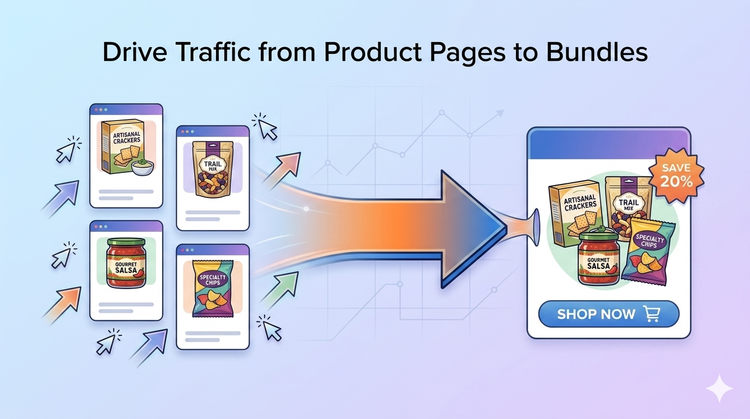
- Product pages
- Homepage sections
- Navigation menus
- Email campaigns
- Social media
Now you can better understand whether those promotions are driving traffic to your bundle pages.
We’d love your feedback
This is the first version of bundle view tracking, and we’d love to hear how you use it. 💬
If you have ideas, suggestions, or feedback, feel free to contact us — your feedback helps shape future improvements for BYOB. 💡